
The modern homebuyer isn't just looking for square footage and curb appeal; they're increasingly seeking properties equipped with the latest technology. Smart home features, from intelligent thermostats to integrated security systems, are now key selling points. However, simply listing these features on paper rarely captures their true value and impact on daily living. This is where smart home video tours real estate professionals can leverage video to bring these innovations to life.
Property videos that effectively showcase smart home technology do more than just inform; they engage, educate, and excite potential buyers. These tours allow agents to demonstrate functionality, highlight benefits, and differentiate listings in a competitive market.
Why Smart Home Video Tours Are Essential for Modern Listings
In today's real estate landscape, prospective buyers often begin their search online, forming initial impressions through digital content. A static photo of a smart thermostat doesn't convey its energy-saving benefits or ease of use. A video, however, can.
Agents consistently find that property videos featuring smart home technology generate more interest from buyers seeking convenience, security, and efficiency. By providing a dynamic, visual demonstration, you address common questions proactively and paint a picture of modern living. This approach can lead to more qualified inquiries, as viewers gain a clearer understanding of what the home offers before they even step inside.
The consensus among practitioners is that video content deepens engagement. When showcasing specialized features like smart home systems, video allows for a guided explanation that static images cannot match. This is especially true when compared to more traditional marketing approaches.
The "SMART" Framework for Exceptional Smart Home Video Tours
Creating an effective smart home video tour requires more than just pointing a camera at a device. It demands a strategic approach to highlight innovation while connecting it to buyer benefits. We introduce the SMART Framework to guide your process:
1. Showcase Technology with Purpose
Don't just list smart devices; show them in action. Focus on how each feature enhances the home's liveability, comfort, or security.
* Action: For a smart lock, demonstrate keyless entry. For smart lighting, show different moods or automated schedules.
* Benefit: Helps buyers visualize themselves using the technology and understanding its practical value.
2. Manage Expectations Realistically
While showcasing innovation, ensure your video accurately represents the smart home system's current capabilities and complexity. Avoid over-promising or making it seem overly complicated.
* Action: Mention if specific apps or subscriptions are required, or if the system is expandable.
* Benefit: Builds trust and avoids disappointment later, leading to smoother transactions.
3. Analyze Benefits, Not Just Features
Translate features into tangible advantages for the buyer. Why does a smart thermostat matter? Because it saves energy and offers remote control.
* Action: Instead of "This home has a smart thermostat," say, "Control your home's climate from anywhere, saving on energy bills and ensuring comfort upon arrival."
* Benefit: Connects the technology directly to the buyer's needs and desires.
4. Realistic Demonstration Flow
Structure your video to follow a natural user experience or typical daily routine. This makes the technology feel integrated and intuitive, rather than an add-on.
* Action: Start with unlocking the door, then adjusting lights, setting the thermostat, and checking security, as one might upon entering the home.
* Benefit: Creates an immersive and relatable experience, allowing viewers to easily imagine living in the home.
5. Tailor the Narrative to Your Target Buyer
Understand who your ideal buyer is for this smart home and tailor the video's emphasis accordingly. Are they a family needing security? A tech enthusiast? An eco-conscious individual?
* Action: For families, emphasize security cameras and child-friendly controls. For tech enthusiasts, delve into integration possibilities.
* Benefit: Resonates more deeply with specific buyer segments, increasing appeal and engagement.
Practical Steps to Create Engaging Smart Home Videos
Integrating smart home technology into your property videos doesn't require a Hollywood budget, but it does benefit from thoughtful planning and execution.
1. Pre-Production: Plan Your Smart Narrative
* Identify Key Features: List all smart home devices and systems present.
* Script the Demonstrations: For each feature, write down exactly what you'll show and what you'll say. Focus on the "SMART" framework.
* Create a Shot List: Plan camera angles and movements for each demonstration. Consider showing both the device and its effect (e.g., smart lights changing color).
* Prepare the Home: Ensure all devices are charged, connected, and ready for demonstration. Clean screens, clear clutter around devices.
2. Filming: Bring Technology to Life
* Guided Tour: Walk through the home as if you were living there, activating devices naturally.
* Action Shots: Capture close-ups of devices being interacted with (e.g., finger swiping a smart display).
* Result Shots: Show the outcome of the smart tech in action (e.g., blinds closing, lights dimming).
* Voiceover or On-Screen Explanation: Clearly explain what each device does and its primary benefit. Consider having the homeowner (with their permission) or the listing agent offer brief insights into their favorite features.
* Consider Interactive Elements: While a full interactive video might be advanced, even simple on-screen text overlays can guide viewers. For more advanced options, consider exploring how interactive features can enhance engagement, as discussed in Unlock Engagement: Key Interactive Property Video Features for Agents.
3. Post-Production: Polish and Optimize
* Clear Visuals: Ensure demonstrations are easy to follow and the technology is clearly visible.
* Concise Explanations: Keep commentary brief and to the point. Viewers lose interest quickly.
* Graphics and Text Overlays: Use simple text to highlight key features or benefits.
* Music: Choose uplifting, modern background music that complements the innovative feel.
* Call to Action: Include a clear call to action at the end, such as "Schedule a private showing" or "Contact [Your Name] for more details."
* Editing Tools: Utilizing efficient editing can make a significant difference. Tools that automate parts of the process can be invaluable. For a deeper dive into improving your editing skills, check out Mastering Property Video Editing: The Ultimate Guide for Agents.
Comparison: Smart Home Features vs. General Property Highlights
Understanding when and how to emphasize smart home technology is crucial.
| Aspect | Highlighting Smart Home Features | Highlighting General Property Features |
|---|---|---|
| Primary Goal | Demonstrate innovation, convenience, security, efficiency | Showcase overall lifestyle, aesthetics, space, location |
| Target Audience | Tech-savvy buyers, remote workers, security-conscious individuals | Broad audience, families, first-time homebuyers |
| Video Focus | Functional demonstrations, user interface, integration, benefits | Room flow, natural light, architectural details, outdoor spaces |
| Narrative | "Experience seamless living with..." / "Automate your daily routine" | "Discover comfort and charm in..." / "Enjoy spacious living areas" |
| Timing | Early in the tour to establish modern appeal, or specific segments | Integrated throughout the tour, often starting with grand entrance |
Copy-Paste Templates for Your Smart Home Video Marketing
Here are some ready-to-use templates to streamline your smart home video marketing efforts:
Email Subject Line Templates:
60-90 Second Smart Home Video Script Template:
(Scene 1: Introduction - 0-10 seconds)
Visual: Establishing shot of the home exterior, then transition to a smart lock being activated, door opening.
Audio: Upbeat, modern music begins.
Voiceover/Agent: "Welcome to [Property Address] in [Neighborhood], where modern living meets intelligent design. Today, we're taking you inside to experience a truly connected home."
(Scene 2: Core Smart Feature 1 - e.g., Climate/Lighting - 10-35 seconds)
Visual: Agent/hand interacting with a smart thermostat/lighting panel, showing temperature change or light mood adjustment. Show the effect (e.g., lights dimming).
Audio: Voiceover explains feature.
Voiceover/Agent: "Step into ultimate comfort with the integrated smart climate control system. Adjust the temperature from your phone, ensuring your home is always perfectly set for your return. Or, transform the ambiance with just a tap using the intelligent lighting, perfect for any occasion."
(Scene 3: Core Smart Feature 2 - e.g., Security/Convenience - 35-60 seconds)
Visual: Agent demonstrating a smart security camera's view on a tablet, or a smart appliance being activated (e.g., oven preheating).
Audio: Voiceover explains feature.
Voiceover/Agent: "Beyond comfort, this home prioritizes your peace of mind. With the smart security system, you can monitor your property from anywhere, receiving instant alerts. Imagine the convenience of checking who's at the door, even when you're miles away."
(Scene 4: Closing & Call to Action - 60-90 seconds)
Visual: Montage of various smart features subtly in action, then agent smiling to camera or property exterior with contact info.
Audio: Music swells slightly.
Voiceover/Agent: "This isn't just a house; it's a smart home designed for effortless living. Experience the future of convenience and security right here in [Neighborhood]. Ready to see how these intelligent features can enhance your life? Contact [Your Name/Team Name] to schedule your private tour of [Property Address] today!"
On-screen text: [Your Name] | [Your Phone Number] | [Your Website]
Social Media Caption Templates:
Instagram/Facebook:
"Smart living is here! ✨ Take an exclusive video tour of [Property Address] and see how cutting-edge smart home technology transforms everyday life. From intelligent climate control to advanced security, this home has it all. Link in bio to watch the full video! #SmartHome #RealEstate #VideoTour #[Neighborhood]Homes #[YourCity]RealEstate"
LinkedIn:
"Elevating the property viewing experience for [Property Address]! We've just released a comprehensive smart home video tour real estate professionals and buyers will appreciate. This video highlights the integrated technology that defines modern comfort and security. A must-watch for anyone considering a tech-enabled home. #RealEstateMarketing #SmartHomes #PropertyVideo #RealEstateAgent #InnovationInRealEstate"
Ethical Considerations for Smart Home Videos
When showcasing smart home technology, it's crucial to maintain ethical standards and respect privacy.
* Privacy: Be mindful of showing personal data, user profiles, or sensitive information on smart device screens. Ensure any displayed data is generic or anonymized.
* Security: Avoid showing passwords, PINs, or sensitive network configurations.
* Consent: If you're demonstrating existing smart home systems, ensure you have the homeowner's explicit consent to feature their devices and systems in the video.
* Fair Housing: Ensure that your presentation of smart home features does not inadvertently create exclusionary messaging or imply preferences based on protected characteristics. Compliance with fair housing laws extends to all marketing materials, including video. For a deeper understanding of compliance in AI-driven content, refer to AI for Real Estate Video Content Compliance: Fair Housing & Data Privacy in 2026.
FAQ
Q1: What kind of smart home features should I prioritize in my video tours?
A1: Focus on features that offer tangible benefits like security (smart locks, cameras), comfort (smart thermostats, lighting), and convenience (voice assistants, automated blinds). Show features that are easy to demonstrate visually and understand quickly.
Q2: Do I need professional equipment for smart home video tours?
A2: While professional gear can enhance quality, a modern smartphone with good lighting and a stable hand (or gimbal) can produce excellent results. The key is clear audio, steady shots, and a compelling narrative.
Q3: How long should a smart home video tour be?
A3: Aim for 60-90 seconds for a general overview, or up to 2-3 minutes for properties with extensive smart features. Keep it concise and focused on benefits to maintain viewer engagement.
Q4: Should I have the homeowner demonstrate the smart features?
A4: If the homeowner is comfortable and articulate, their personal insights can add authenticity. However, ensure they stick to a pre-planned script to keep the message consistent and professional.
Q5: How can I make my smart home video tour stand out?
A5: Use the SMART Framework to guide you: Showcase, Manage, Analyze, Realistic, Tailor. Focus on dynamic demonstrations, clear explanations of benefits, and a smooth, engaging flow. Also, consider adding subtle text overlays for key takeaways.
Q6: What's the best platform to share my smart home video tours?
A6: Share your videos across multiple platforms including YouTube, your website, social media (Facebook, Instagram, LinkedIn), and directly via email to interested leads. Each platform caters to a slightly different audience.
Q7: Can smart home videos attract buyers who aren't tech-savvy?
A7: Yes! By focusing on the benefits (e.g., energy savings, security, comfort) rather than just the tech specs, you can appeal to a broader audience who value these outcomes, even if they're not tech enthusiasts.
Key Takeaways
* Smart home video tours real estate listings truly stand out, attracting modern buyers.
* Implement the SMART Framework (Showcase, Manage, Analyze, Realistic, Tailor) for impactful videos.
* Prioritize clear, functional demonstrations over simply listing features.
* Utilize provided templates for email subject lines, video scripts, and social media captions.
* Always adhere to ethical guidelines regarding privacy and fair housing in your video content.
Ready to transform your property photos into cinematic smart home video tours that capture attention and drive interest?
Learn more about how AI can help you create stunning property videos with cutting-edge features at PropertyCine.
Continue Your Learning
Explore more insights from our real estate marketing blog:
- Elevate Listings: The Power of 3D Property Scanning Video Tours
- Elevate Listings: Smart Home Technology Video Tours Real Estate Agents Need
- AI for Real Estate Video Content Compliance: Fair Housing & Data Privacy in 2026
Ready to transform your property listings? PropertyCine makes it easy to create stunning cinematic videos from your listing photos. Get started free today.
Turn Your Listing Photos Into Stunning Videos
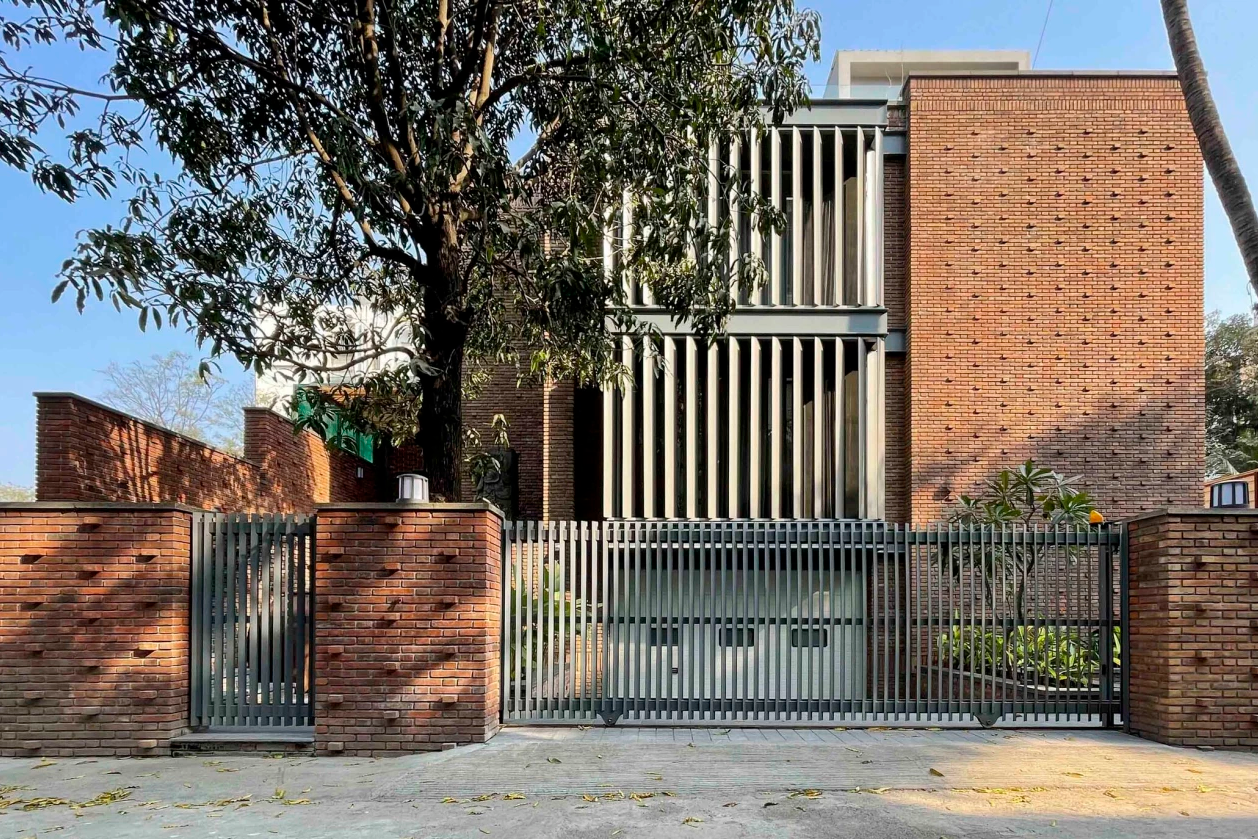
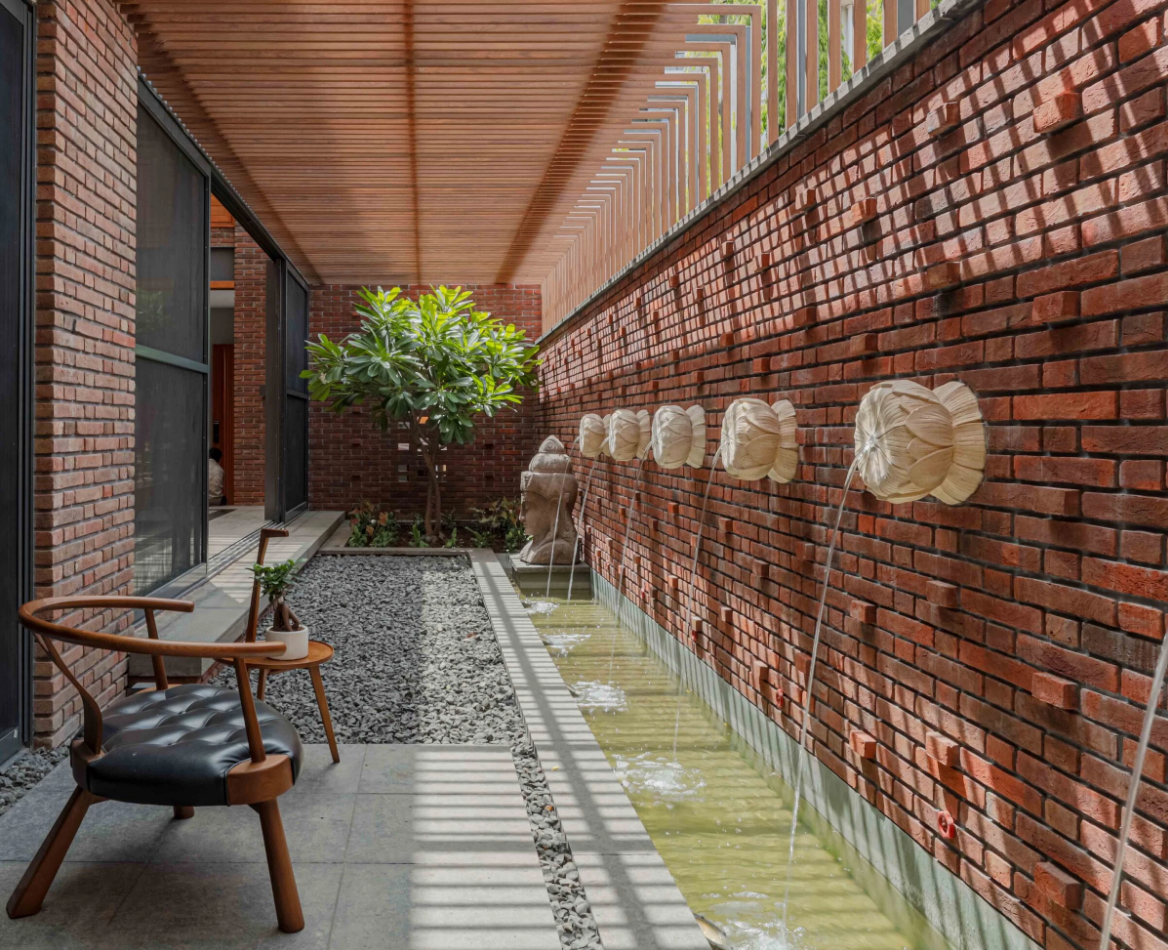
Upload your property photos and our AI creates cinematic videos with natural motion - curtains sway, water ripples, light shifts. Ready in ~5 minutes.
Try Free - No Credit CardContinue Reading
Unlocking Niche Appeal: Short-Form Video for Niche Property Markets
Read moreData-Driven Video Personalization for Buyers: Captivate Your Real Estate Audience
Read moreMastering Interactive Short-Form Video for Property Tours: Drive Engagement & Sales
Read morePropertyCine Team
Expert insights on real estate video marketing and AI technology.
Related Articles
Unlocking Niche Appeal: Short-Form Video for Niche Property Markets
Data-Driven Video Personalization for Buyers: Captivate Your Real Estate Audience
Mastering Interactive Short-Form Video for Property Tours: Drive Engagement & Sales
Elevate Listings: Smart Home Technology Video Tours Real Estate Agents Need
Mastering Property Video Editing: A Complete Guide
Elevating Luxury Real Estate Video Storytelling: The 4 C's Framework
Create Stunning Property Videos Today
Transform your listing photos into cinematic videos with AI.
Get Started Free